20+ years of experienceOrganization, proper crew and safe handling of the building.








Office move without downtime: what you really need
Η office move it's not just «box transport». It is a small project that affects people, systems, suppliers and customers. The goal is clear: to change the seat without stopping work or, where unavoidable, limit the interruption to a few hours.
Quick summary
- Appoint a project manager and «freeze» changes (IT/supplies) for the last 7-10 days.
- Make a double shot: equipment transfer + restart of operation (internet, telephones, printers, access).
- Use box/position encoding and separate flow for files & sensitive documents.
- Check building/elevator access and whether parking/space permit is required in a timely manner.
1) Planning: roles, objectives and timing
Start with one project manager (one person, one responsibility) and a small team (IT, administration, secretariat, facilities). Set a move date at a lower load period and, if possible, out-of-hours transport (evening/weekend) to minimize downtime.
Practical timetable
- 8-12 weeks before: equipment inventory, new site plan, workshop/transportation selection.
- 4-6 weeks before: IT plan (internet lines, call centre, network), information to suppliers/customers.
- 2 weeks ago: packaging materials, labelling, cleaning/filing, final positioning plan.
- Last 7-10 days: «freezing» changes, internet/telephony testing in the new site, final backups.
If you need help with the whole process, see the services Removals and organize an assessment based on your actual scenario.
2) Inventory and organisation of space: the fastest way to avoid wasting time
Inventory reduces errors and «lost time» on moving day. Inventory: furniture, PCs, monitors, printers, servers/NAS, files, sensitive material, and anything that needs to be disassembled.
Box coding (working system)
- Colour per section (e.g. Accounting = blue, Sales = yellow).
- Position code (e.g. B2-15 = floor/zone/office).
- Type of content (IT, records, personal, sensitive).
In the new area, place a simple marker per zone/section so that unloading is done «first come, first served».
3) IT move without interruption: backups, security and testing
The biggest risk in moving office is IT: internet access, telephony, printing, files and applications. To limit downtime:
- Visit full backup (and reset check) before transport.
- Secure second internet line or temporary fallback (e.g. 4G/5G router) for critical hours.
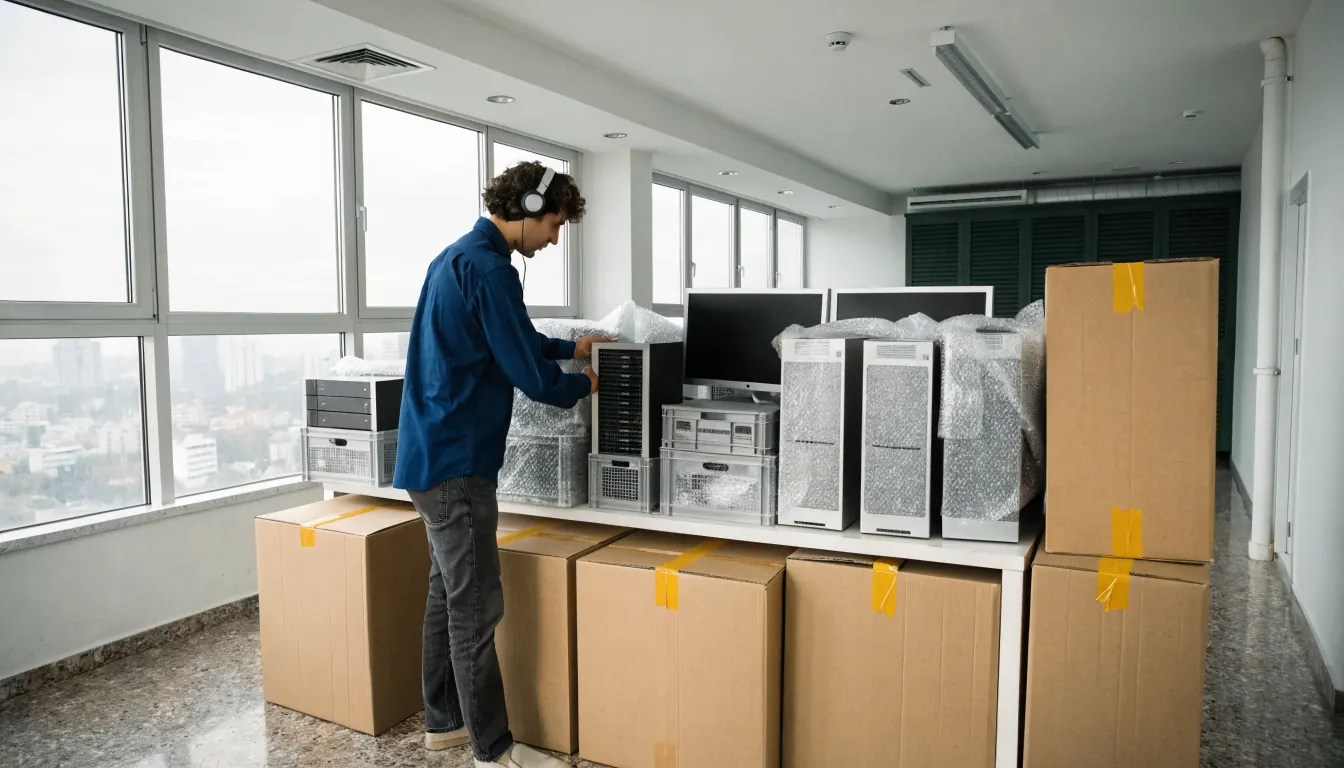
- Transfer servers/NAS to anti-vibration packaging and prioritise their installation.
- Define a «first priority» list (call centre, Wi-Fi, printers, shared folders).
For a more specific plan, see also our article on reduction of downtime in office relocation.
4) Packing and transportation of office equipment
Pack based on the usage: «what is needed first» to be loaded last. For furniture that can be untied/tied, prefer professional disassembly/assembly to avoid wasting time and damage; see service furniture assembly.
Special categories
- Documents/Files: closed boxes, numbering, receipt-delivery with signature.
- Fragile: bubble wrap, foam, clear marking.
- Heavy/massive: palletizing where possible, corner protection, straps.
In cases of floors and difficult access, the lifting equipment reduce the time and risk of damage to common areas.
5) Building access, lift and permits (Greece)
Before moving day, arrange with management/caretaker for:
- hours of lift use and floor/wall protection,
- transport routes (ramps, staircases, entrances),
- temporary parking and safe loading/unloading.
Depending on the municipality and location, a permit/license may be required for temporary use of public space (sidewalk/street) for loading/unloading or for a forklift. Check your municipality's procedures well in advance, especially in downtown areas.
6) Moving day: «runbook» step-by-step
- 07:30-09:00: isolation/termination of critical systems, final backup, sealing of IT/archive boxes.
- 09:00-12:00: loading in priority order, box list check.
- 12:00-15:00: unloading by zone/section, «first priority» placement.
- 15:00-18:00: IT set-up, internet/telephony/printing tests, basic departmental operation.
A «control centre» (1 office/site) with checklist and project manager speeds up decision-making.
7) After the move: control, stabilization and improvement
- Check connectivity, access rights and shared folders.
- Make quick receiving inventory (what came/what is missing).
- Record «lessons learned» (what went well/what didn't) for the next change.
- Manage old equipment (WEEE) and waste materials responsibly.
For a more detailed project structure, see also the office moving time schedule.
Frequently asked questions
When is it best to move office?;
Usually out of hours or on a weekend, during a period of lower load. This reduces downtime and allows you to catch up on IT testing before the business reopens.
How early should planning start?;
For small offices, 4-6 weeks is often enough. For medium/large businesses, aim for 8-12 weeks to «lock in» floor plans, vendors, materials and IT.
How can IT move without downtime?;
With full backups, restore tests, second internet connection or temporary fallback, and clear priority order (phone, Wi-Fi, prints, shared files). Ideally rehearse logging in to the new site before the final transfer.
Do I need a permit for truck/road loading?;
In many cases, a procedure for temporary use of public space and/or parking regulation is required, especially in city centres. Check in time with the municipality and the site (management, access, hours).
How are documents and personal data protected when moving?;
Use locked boxes/filing cabinets, numbering, signature pickup-delivery and restricted access. For digital data, implement encryption where appropriate, secure backup transfer and access control in accordance with company policies.